Jacked up Apple iPhone 7 review

Introduction

On the seventh day the designers rested. In came the engineers. And the master of controversy struck again.
Apple is proud of the bold move of removing the audio jack. But in pretty much every other aspect they've seemingly taken the conservative route. On the outside, the new iPhone looks basically the same as the iPhone 6/6s.
Apple iPhone 7 review
Well, it's not as easy as that. The iPhone 7 is in many ways a better phone. We can see some of the issues we had with the last iPhone sorted and, no, we are not claiming credit for it - simply acknowledging the fact.
Waterproofing, stereo speakers and, finally, reasonable storage options - and that's on top of the usual performance upgrades we've come to take for granted every year. Think this is the story of the iPhone 7? Apple's first water-resistant handset, first quad-core processor, first pair of stereo speakers on a phone.
Not trying to build suspense. The story has been hijacked and you know it. But we're going to tell it anyway.

Key features

  • Water-proof metal unibody with redesigned, less-obtrusive antenna strips
  • 4.7" 16M-color LED-backlit IPS LCD of 750 x 1334px resolution, 326ppi, wide color gamut, 3D Touch tech
  • Pressure-sensitive Home key powered by a brand new Taptic Engine
  • Quad-core (2+2) 64-bit Apple CPU, hexa-core GPU, 2GB of RAM, Apple A10 Fusion SoC
  • 12MP F/1.8 camera with a quad-LED flash, optical image stabilization, phase detection auto focus, wide color capture, face and body detection; 2160p@30fps video recording
  • 7MP F/2.2 front-facing camera with BSI sensor and HDR mode, 1080p@30fps video
  • Comes in 32, 128, and 256GB of built-in storage
  • Second-gen Touch ID fingerprint sensor
  • 4G LTE Cat.12 (600Mbps); Wi-Fi a/b/g/n/ac; Bluetooth 4.2; Lightning port; GPS with A-GPS and GLONASS; NFC (Apple Pay only)
  • 1,960mAh battery

Main disadvantages

  • No 3.5mm audio jack (ships with a Lightning to 3.5mm adapter)
  • No microSD slot
  • No dual-camera of the iPhone 7 Plus
  • NFC functionality limited to Apple Pay
  • Still no fast or wireless charging, no IR port or FM radio
  • No user-replaceable battery
  • Scratch-prone Jet Black model
  • Screen resolution not flagship-grade
Once you wrap your head around the missing audio jack (it's not the end of it, you can get a designated adapter for your favorite headphones), the Apple iPhone 7 is a major upgrade. IP67-certified water-resistant body. Bigger and brighter camera with OIS. New FaceTime cam. Stereo speakers. Faster processor and 50% GPU performance increase, more RAM. New pressure-sensitive Home key powered by a new taptic engine. Revised storage options.
The new Home button, rather the lack thereof, is nearly as controversial as the missing audio jack. Apple used the same taptic engine behind the MacBook's trackpad, so things might actually turn out better there.
Apple iPhone 7 review
Apple doubled the storage capacity on all three flavors, so it finally starts at 32GB, the other two being 128GB or 256GB. Unfortunately, fast or wireless charging still doesn't mean anything to Apple, which is a shame in 2016.
Anyway, the iPhone 7 is ready to get unwrapped, so let's get to it. Head to the next page for our traditional hardware and exterior checkup.

Mengaktifkan fitur Cut di Finder OSX

Finder pada MacOSX 10.6.6 Snow Leopard ternyata menonaktifkan fitur cut dan paste. Dalam hal ini saya sendiri menggunakan MacOSX adalah newbie jadi saya lumayan *kagok* menggunakan finder tanpa adanya cut dan paste sepeti file manager yang ada pada nautilus Ubuntu. Setelah mencari referensi sana sini, menurut rumornya finder ini harus mengatifkan plugin :( untuk mengaktifkan fitur cut dan paste ini, tentu saja saya tidak akan membeli plugin itu seharga $ 7 hanya untuk mengatifkan cut dan paste pada finder. Dari perjalanan mencari tau bagaimana mengatifkan fitur cut dan paste pada Finder ketemulah cara agak kasar :D seperti cara biasanya pada linux user *devil* disini agak kasar tentunya tidak menggunakan plugin bajakan :) tapi menggunakan sedikit perintah terminal mac os x :D 

untuk mengatifkan cut dan paste pada finder cukup menggunakan peritah berikut pada terminal anda

defaults write com.apple.finder AllowCutForItems 1

Kemudian restart finder anda tekan hot key Command + alt + esc kemudian klik relaunce pada aplikasi Finder.

Tangkapan layar Finder


Referensi : http://hints.macworld.com/article.php?story=20060626085238931

Images of Chromecast Ultra leak


As we are all acutely aware, Google is having a huge hardware event on October 4th, and in very un-Google fashion, it's aggressively advertising it. We're fairly certain at this point there will be a pair of Pixel phones and a few other goodies, including the 4K Chromecast Ultra. A few images of that device have now leaked courtesy of Evan "evleaks" Blass.
As you can see, the Chromecast Ultra looks... like a Chromecast. It has the same puck shape as the current HD-only Chromecast with the ribbon cable HDMI magnetically attached to the back. The Chrome logo is nowhere to be seen, though. It only has a subtle Google "G" on the front. It will launch with firmware version 1.21, which recently rolled out to users in the Chromecast preview program. This update removed all the Chrome branding as well. There also appears to be a button on the new Chromecast, perhaps to use as a reset or on/off switch.
We expect the Chromecast Ultra to launch at a price of $69, almost twice what the current HD Chromecast costs. Venturebeat reports that the current HD Chromecast will continue to be available, so those with non-4K TVs won't have to pay the higher price for hardware they don't need.

LeOops: LeEco accidentally reveals its big US launch lineup

Well, LeEco's big October 19th US launch event seems to have been spoiled: what looks like the vast majority of its launch lineup just showed up on LeEco's website. The company appears to be prepping the storefront for the launch, but in the process revealed basically everything, including some prices, that it intends to announce on the 19th. Here's a list of those products.
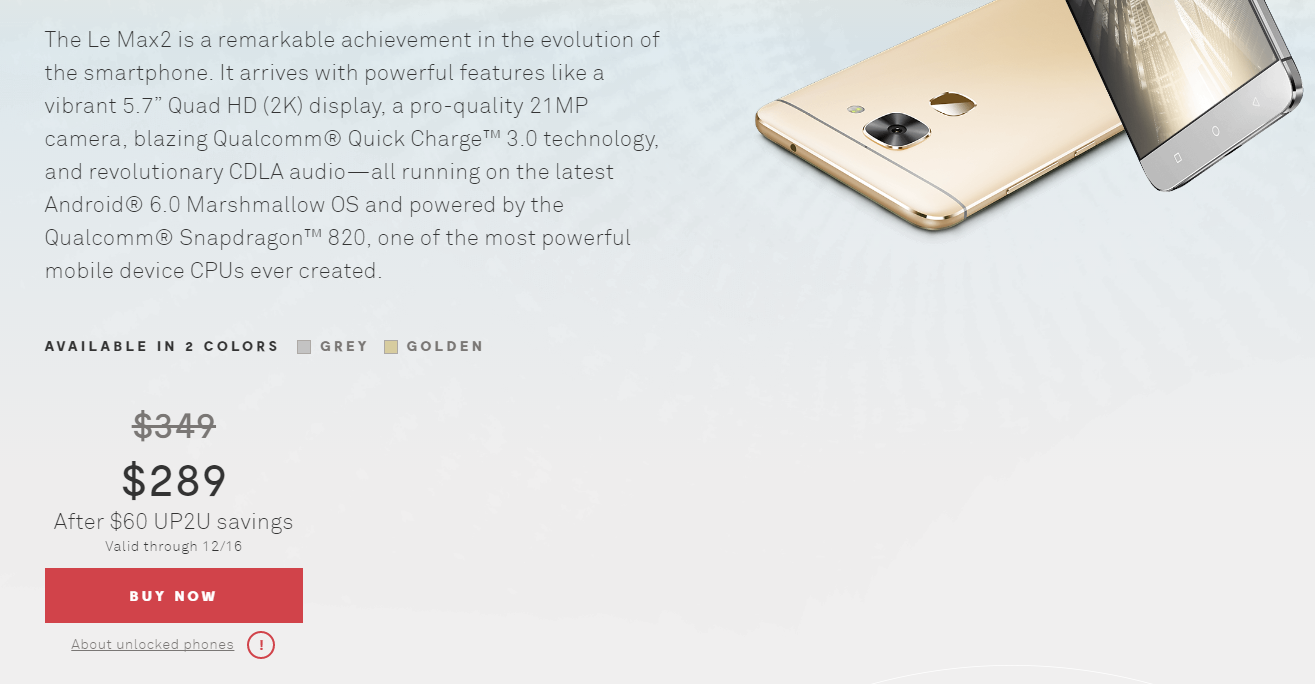
The Le Max2 smartphone was announced back in April of this year, featuring a 5.7" Quad HD display, 21MP camera, 4GB or 6GB of RAM, Qualcomm Snapdragon 820 processor, 3100mAh battery, Android 6.0, fingerprint scanner, and Qualcomm Quick Charge 3.0. It's not clear if $349 is the starting price ($289 after discount) for the 4GB/32GB model. Internationally, the Le Max2 is available all the way up to a 6GB model with 128GB of storage.
lm2
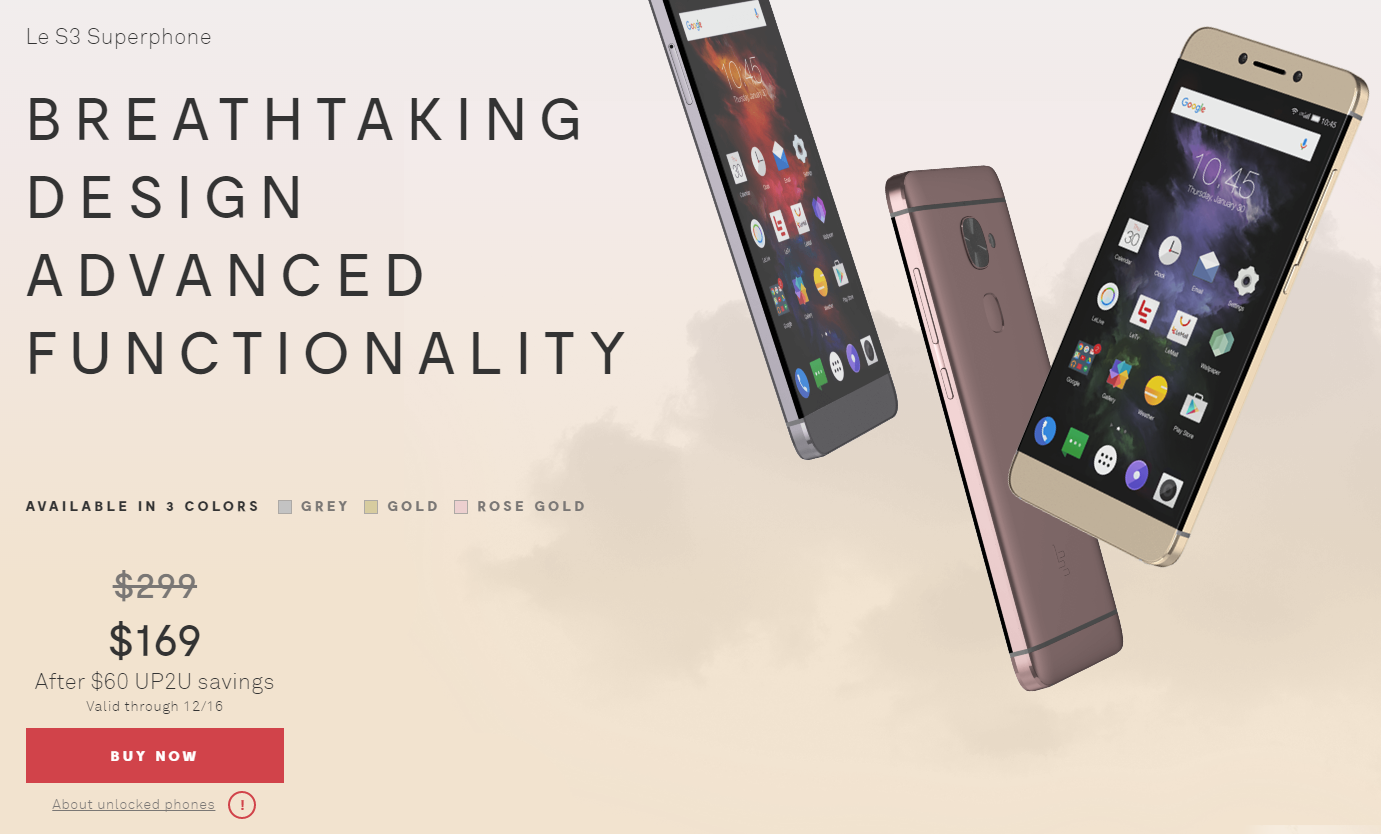
The second phone is the Le S3, which actually appears, spec for spec, just to be a renamed LeEco Le 2. It has a Snapdragon 652 processor, 3000mAh battery, 5.5" Full HD display, Quick Charge 3.0, a 16MP rear camera, a fingerprint scanner, and Android 6.0. Notable, neither the Le Max2 or S3 offer headphone jacks, but the international Le Max2 and Le2 both included USB to 3.5mm adapters in the box. The price for the Le S3 is listed as $169 on discount, but this may be a placeholder. The standard MSRP appears to be $299, with a "60 UP2U" savings applied. A $60 discount would amount to a final price of $239, of course, so we're not sure why the site shows $169. We likely won't really know until the event on the 19th.
ls3
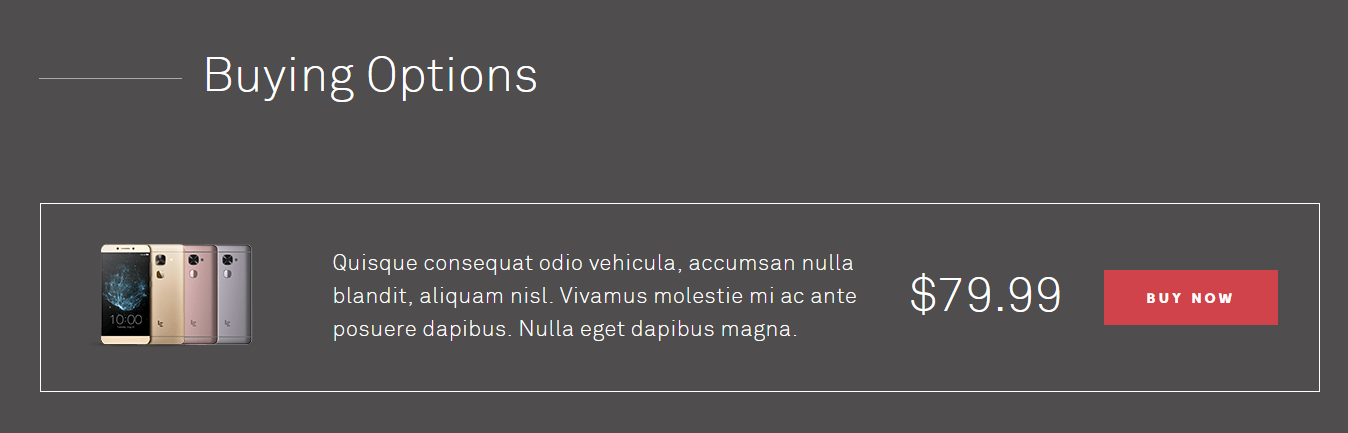
Finally, a placeholder image at the bottom suggests some kind of addition can be made to your purchase for $79, possibly an accidental damage plan?
warranty
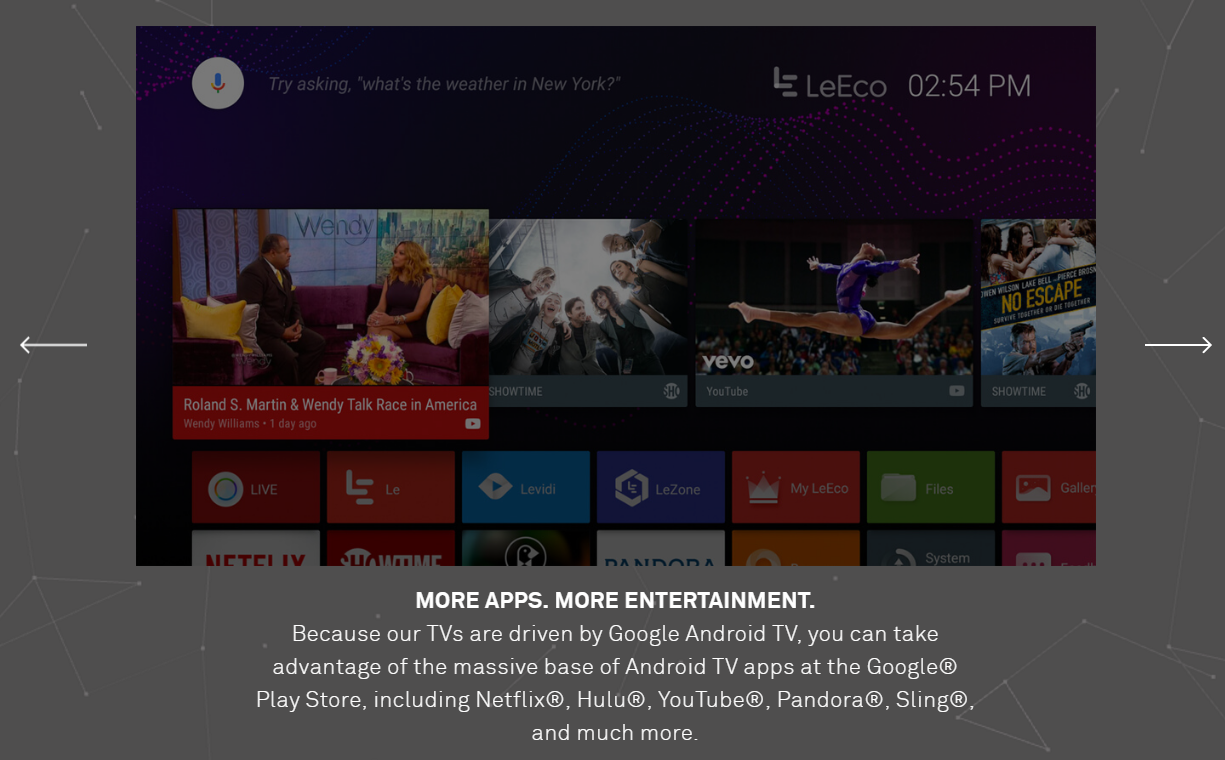
LeEco's site also shows a range of televisions, but most of the prices are clearly placeholders. Only the Super4 X55, listed at $799, appears at all plausible, so we'll likely get a much clearer picture of how that's going to play out in a couple of weeks. Interestingly, it does appear LeEco plans to sell LeEco-branded televisions in the US, then, despite just having purchased Vizio. That seems utterly bizarre. All of the TV models are 4K resolution, and did I mention they all run Android TV now? LeEco is switching to Android TV, at least for its US products.
atv
You can also see a host of LeEco apps on there - a "LIVE" app, a "Le" app, Levidi, LeZone, MyLeEco. Clearly LeEco wants to load up these TVs with their services.


Copyright @ 2016