LeOops: LeEco accidentally reveals its big US launch lineup

Well, LeEco's big October 19th US launch event seems to have been spoiled: what looks like the vast majority of its launch lineup just showed up on LeEco's website. The company appears to be prepping the storefront for the launch, but in the process revealed basically everything, including some prices, that it intends to announce on the 19th. Here's a list of those products.
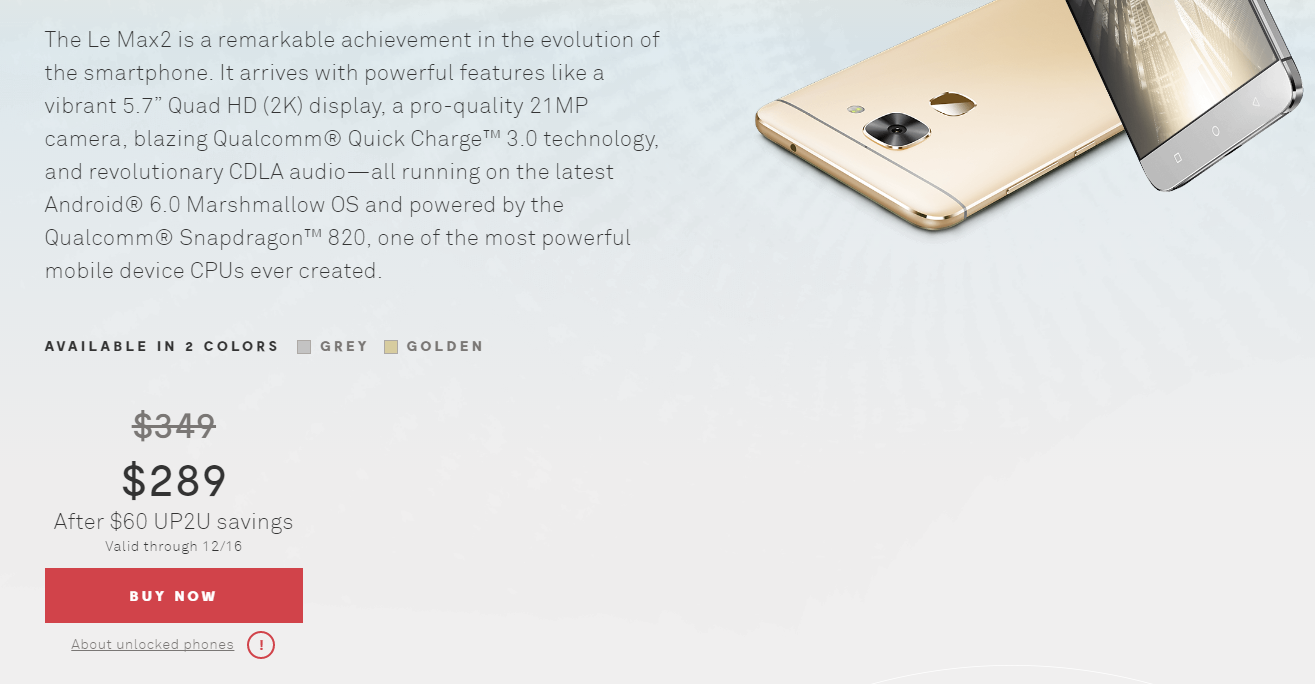
The Le Max2 smartphone was announced back in April of this year, featuring a 5.7" Quad HD display, 21MP camera, 4GB or 6GB of RAM, Qualcomm Snapdragon 820 processor, 3100mAh battery, Android 6.0, fingerprint scanner, and Qualcomm Quick Charge 3.0. It's not clear if $349 is the starting price ($289 after discount) for the 4GB/32GB model. Internationally, the Le Max2 is available all the way up to a 6GB model with 128GB of storage.
lm2
The second phone is the Le S3, which actually appears, spec for spec, just to be a renamed LeEco Le 2. It has a Snapdragon 652 processor, 3000mAh battery, 5.5" Full HD display, Quick Charge 3.0, a 16MP rear camera, a fingerprint scanner, and Android 6.0. Notable, neither the Le Max2 or S3 offer headphone jacks, but the international Le Max2 and Le2 both included USB to 3.5mm adapters in the box. The price for the Le S3 is listed as $169 on discount, but this may be a placeholder. The standard MSRP appears to be $299, with a "60 UP2U" savings applied. A $60 discount would amount to a final price of $239, of course, so we're not sure why the site shows $169. We likely won't really know until the event on the 19th.
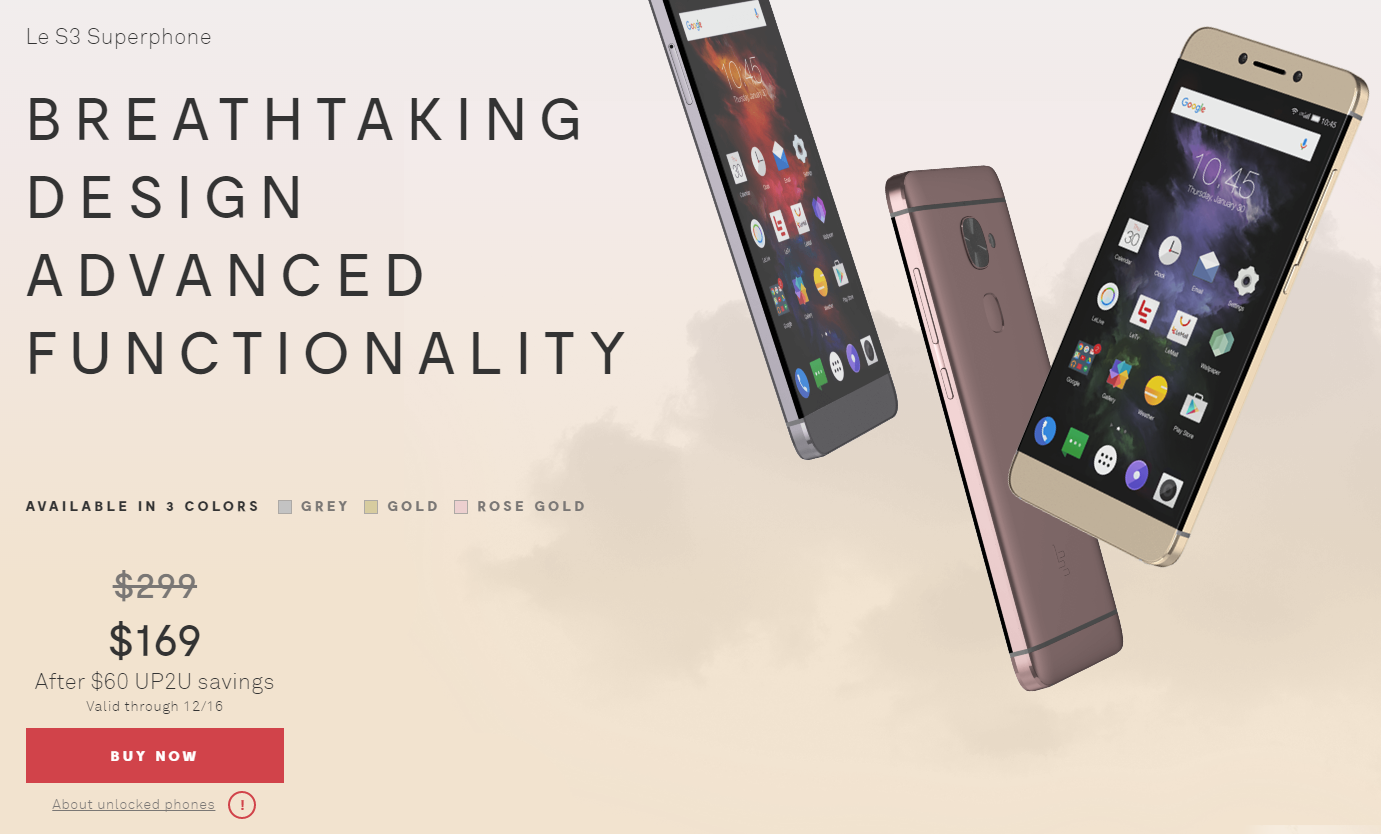
ls3
Finally, a placeholder image at the bottom suggests some kind of addition can be made to your purchase for $79, possibly an accidental damage plan?
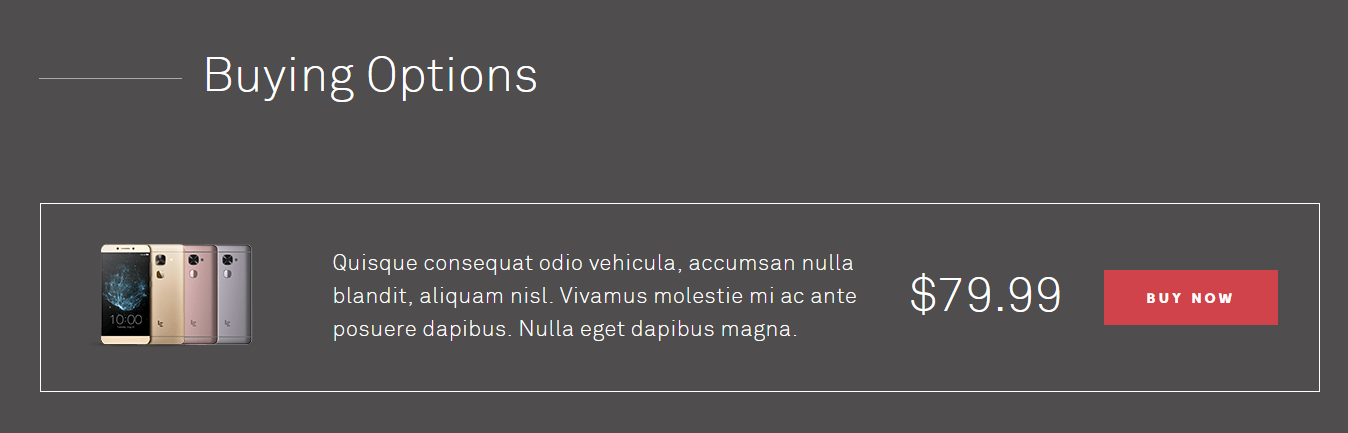
warranty
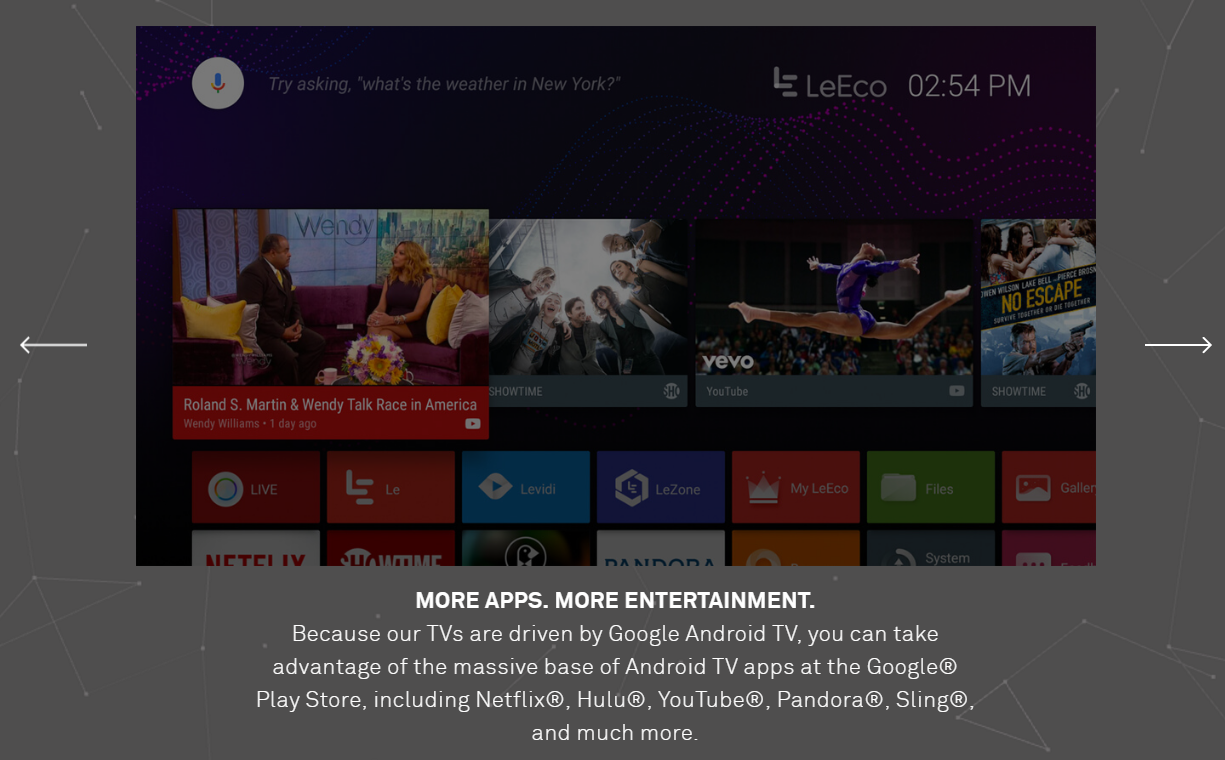
LeEco's site also shows a range of televisions, but most of the prices are clearly placeholders. Only the Super4 X55, listed at $799, appears at all plausible, so we'll likely get a much clearer picture of how that's going to play out in a couple of weeks. Interestingly, it does appear LeEco plans to sell LeEco-branded televisions in the US, then, despite just having purchased Vizio. That seems utterly bizarre. All of the TV models are 4K resolution, and did I mention they all run Android TV now? LeEco is switching to Android TV, at least for its US products.
atv
You can also see a host of LeEco apps on there - a "LIVE" app, a "Le" app, Levidi, LeZone, MyLeEco. Clearly LeEco wants to load up these TVs with their services.

Samsung Chromebook Pro

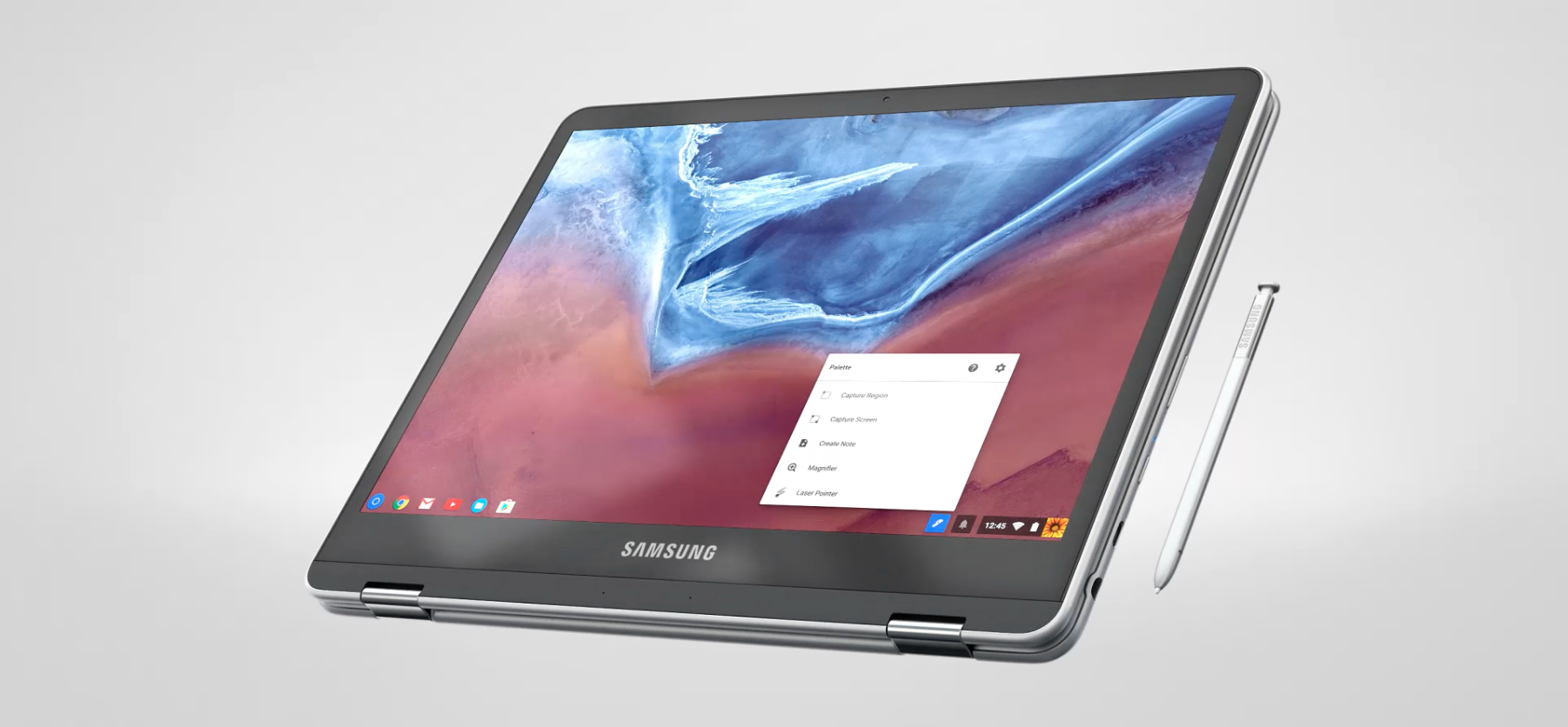
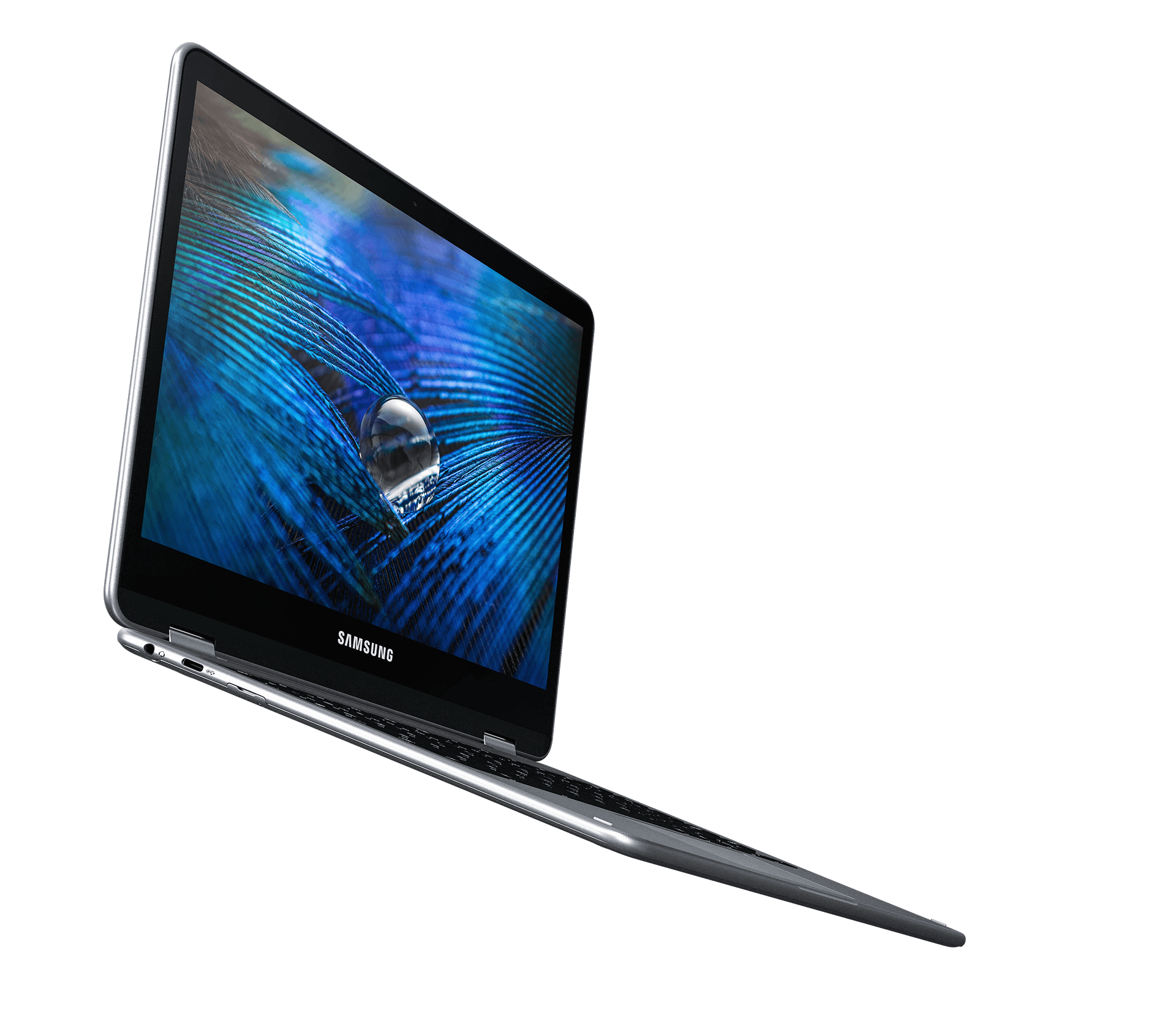
Since Google revealed that Android apps and the Play Store will be coming to Chromebooks, most have been eagerly anticipating using their favorite Android apps on a desktop platform. To that end, Samsung will soon be announcing a new Chromebook, named the Samsung Chromebook Pro, according to SamMobile.
samsung-chromebook-pro-06 samsung-chromebook-pro-12 samsung-chromebook-pro-13
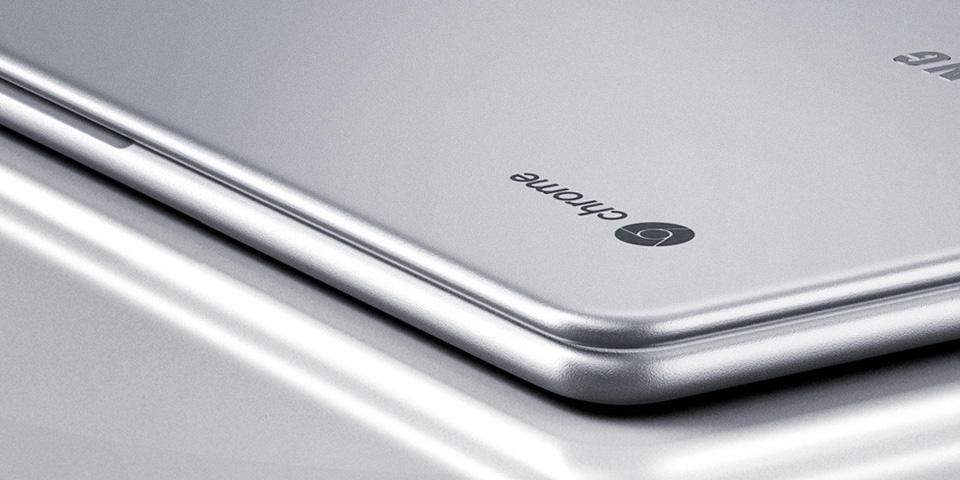
promotional page, which has now been taken down, went live displaying the Chromebook Pro and its capabilities. It has a Hexa-core Rockchip processor - two Cortex-A72 cores and four Cortex-A53 cores - and 4GB RAM, with a 2K (2400x1600) 12.3-inch display and a 360° hinge. It looks like it's made out of aluminium, weighs just 1.08kg, and is 13.9mm thick. However, maybe the most alluring thing about the Chromebook Pro is the inclusion of a digital pen, for writing on the screen - something no Chromebook has had before.
samsung-chromebook-pro-02 samsung-chromebook-pro-03 samsung-chromebook-pro-04
Other specs include two USB-C ports, a reported 10 hours of battery life, and 32GB of onboard storage. The ARM processor should mean Android apps run pretty nicely, as well, which is always a good thing. The Samsung Chromebook Pro is currently listed for pre-order on Adorama, where it costs $499. The availability date is not known, but it can't be far off.

The GSMArena tablet buyer's guide

It's that time again - the summer edition of our tablet buyer's guide is up so you can go slate-shopping the right way.
Since the last issue back in February, a lot of new devices have hit the market and we've done our best to include the right ones complete with their price tags and relevant alternatives.
Just like before, the list of suggested tablets is broken down in three tiers: compact, mid and full-size. The devices in each category are sorted by price, low to high. There are cheap gadgets that are a worth a look (in our humble opinion) and it's entirely up to you whether you'll make a move for the premium offerings or some reasonably-priced options.
The list of compact tablets welcomes back some golden oldies like the Nexus 7 (2013) which has had another price cut, while others have failed to stay competitive and therefore had to go.
The mid-sized tablet market remains the busiest and it's here that we saw the most meaningful price reductions. Some notable newcomers such as the Nokia N1 and the Dell Venue 8 7000 are rubbing shoulders with the likes of the Lenovo Tab S8, Sony Xperia Z3 Tablet Compact and Nvidia Shield, which have gotten cheaper.
As for the full-sized tablet market, things have remained mostly unchanged save for a few tablets that have had a slight discount.
As usual, at the end of our guide we look at what didn't make the cut. We have some very big names there that you'd think are a cinch to recommend but it isn't actually that simple. Stay tuned for that one.
As usual we don't feature Windows tablets as we have very few of them in our database and we generally feel they are outside our focus. They're practically PCs and not the web and multimedia oriented tablets we deal with here.

Menjalan Aplikasi Inkscape dan Gimp di Awan

Pagi ini jalan jalan ke Pasar Google Chrome  saya menemukan hal menarik yaitu tentang aplikasi linux desktop bisa dijalankan melalui layanan Awan. Jadi semakin kedepan tidak ada alasan lagi untuk menerima Sistem operasi berbasis awan. Aplikasi yang dapat di jalankan kebanyakan adalah aplikasi FOSS, seperti Inkscape, Gimp, Open Office dll, semua bisa dijalankan melalui browser. Aplikasi awan ini saya lihat, tidak jauh berbeda dengan aplikasi yang dijalankan melalui VNC Desktop, cuma bedanya VNC desktop sudah disediakan oleh rollApp. Bagi sebagian orang aplikasi awan seperti ini sangat membantu apa lagi bagi orang yang malas membawa perangkat desktop ditenteng-tenteng kemana-mana, terlebih lagi bagi pengguna Chromebook aplikasi seperti ini sangat membantu sekali.
Saya coba untuk menjalankan Inkscape dan Gimp melalui browser Chrome, hasilnya lumayan seperti aplikasi Gimp dan Inkscape native desktop. Tapi saya sarankan anda mempunyai kecepatan internet yang mumpuni untuk membuka aplikasi cloud ini, bagi yang mempunyai koneksi standar, jangan harap menggunakan aplikasi ini secara maksimal. Karena lumayan berat rendering aplikasi dari server ke browser kita. Jadi sekarang tidak cuma keluarga Photoshop yang dapat berjalan di awan, Kini aplikasi linux pun, juga dapat dijalankan di awan.

Bagi ingin mencoba silahkan install dari chrome web store atau dari browser kesayangan anda.

Inkscape Cloud

Gimp Cloud

Aplikasi Cloud Lain - https://www.rollapp.com/

Untuk membuka dan menyimpan berkas yang akan digunakan pada aplikasi Awan ini, kita harus terkoneksi dengan layanan penyimpanan berkas awan seperti Dropbox, Google Drive, Box, OneDrive dll.

Apakah anda siap mencoba Aplikasi FOSS di Awan ?


Copyright @ 2016